Connect and Manage Multiple Sites
Add more than one WordPress site and switch between them from the dashboard dropdown. Manage content, run analyses, and publish across your entire portfolio.
Use SEOVault AI's web app when you need a centralized workflow for multiple WordPress sites, richer linking operations, saved history, and team-based publishing.
Log in, connect your WordPress sites, and manage content from a single dashboard. Browse posts, edit in the rich text editor, and save directly to WordPress.
The web app is built for publishers, agencies, and teams who need more than single-site, single-user workflows.
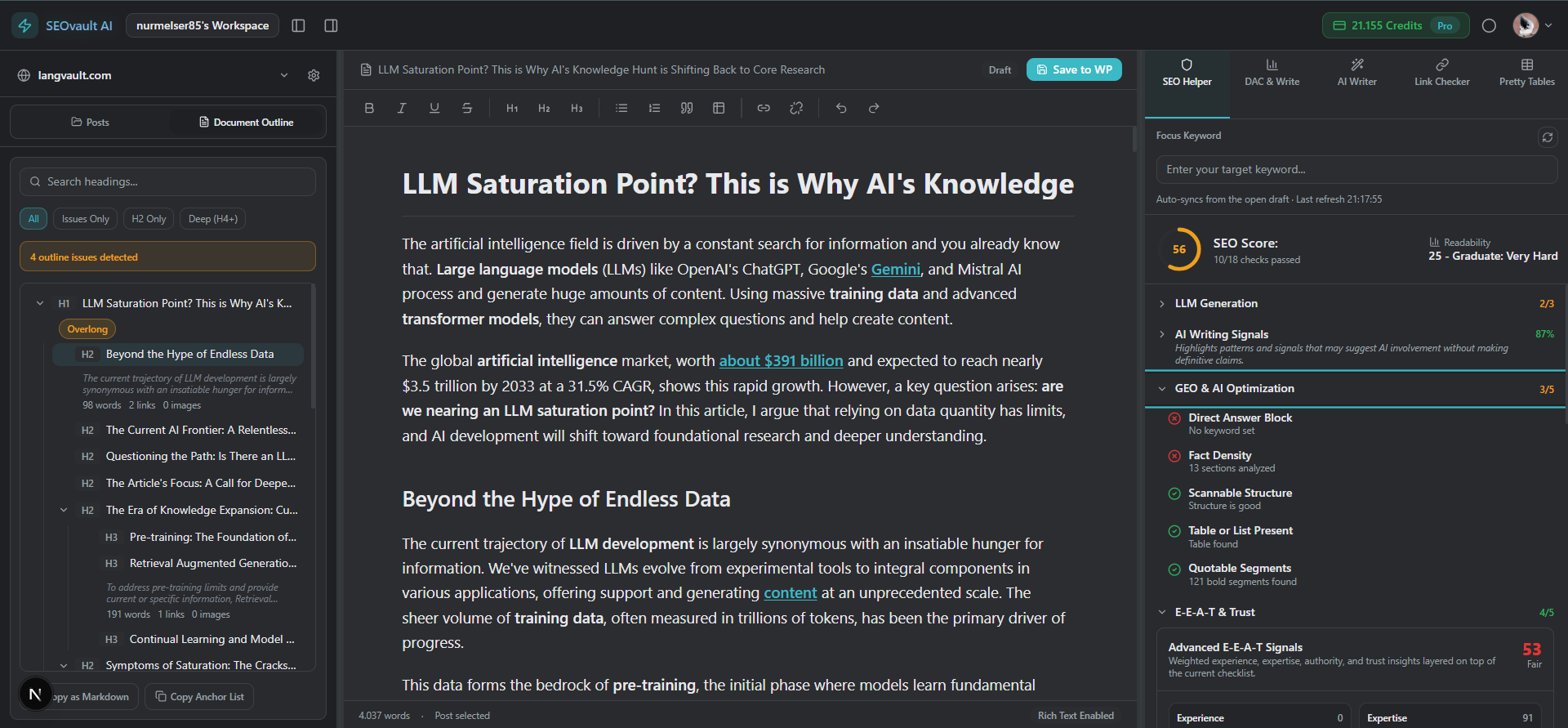
Add more than one WordPress site and switch between them from the dashboard dropdown. Manage content, run analyses, and publish across your entire portfolio.
Browse all your WordPress posts in the left pane, select one to edit in the central rich text editor, or create a new post. Everything in one workspace.
Preview your draft as it will appear, then save it directly to your connected WordPress site — all from inside the web app editor.
Highlight text and get AI-powered internal link suggestions from your existing posts. Use autolinking to scan your entire site for linking opportunities and auto-inject links across multiple posts.
When no exact phrase match exists for autolinking, the AI rewrites the target sentence to include a natural exact-match anchor — making autolinking work even when the original text doesn't match.
All generated articles and edits are securely saved to the cloud. Never lose a draft — access your full history from the settings page.
These tools are built for multi-site, multi-user, and scale-focused workflows that go beyond the extension's in-editor scope.
Connect multiple WordPress sites from one dashboard. Use advanced autolinking to scan your entire site, select link opportunities, and auto-inject internal links across posts — with AI anchor rewrites when needed.
Invite editors and writers into shared workspaces with defined roles. All generated articles and edits are securely saved in cloud history. Collaborate on content before pushing it live to WordPress.
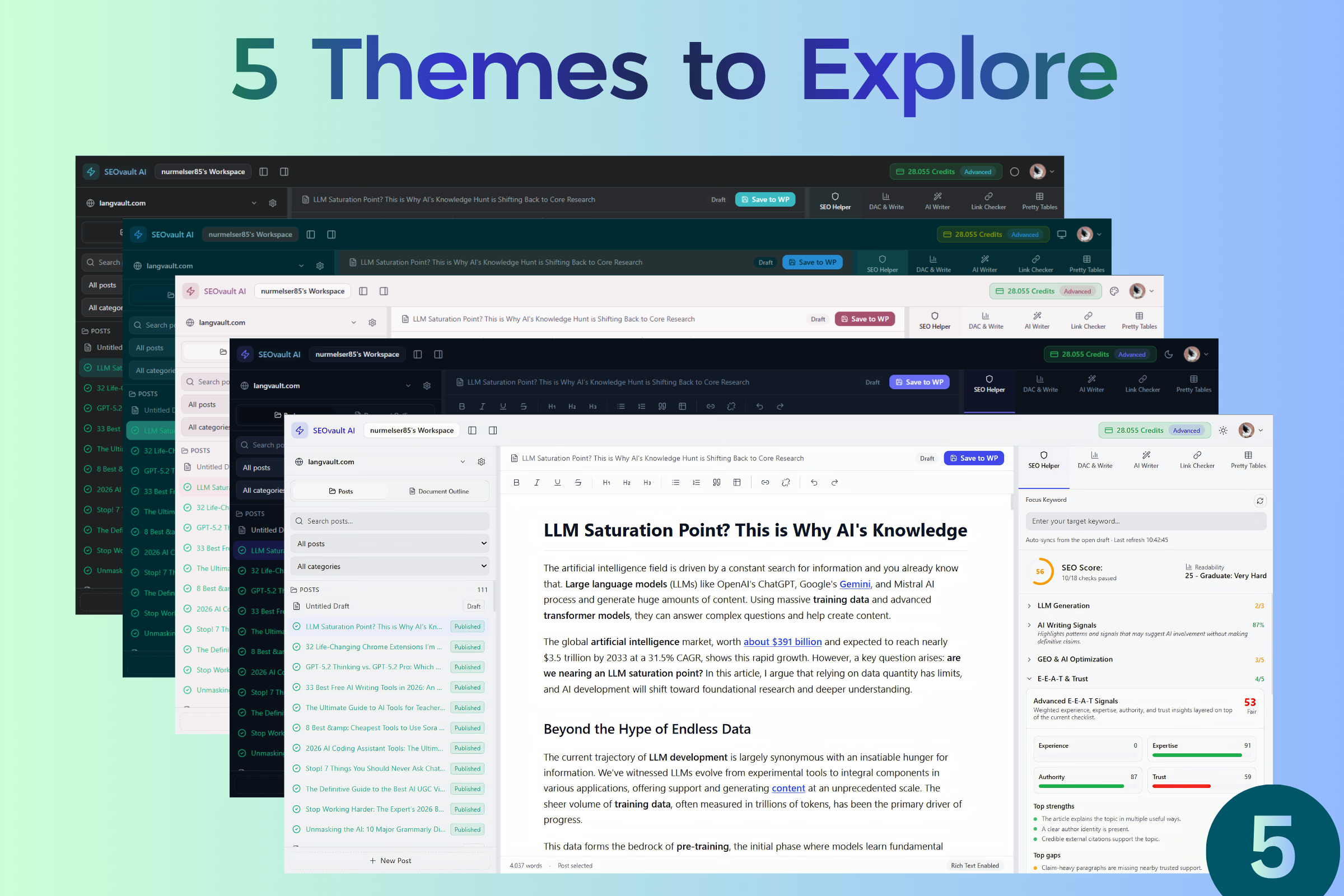
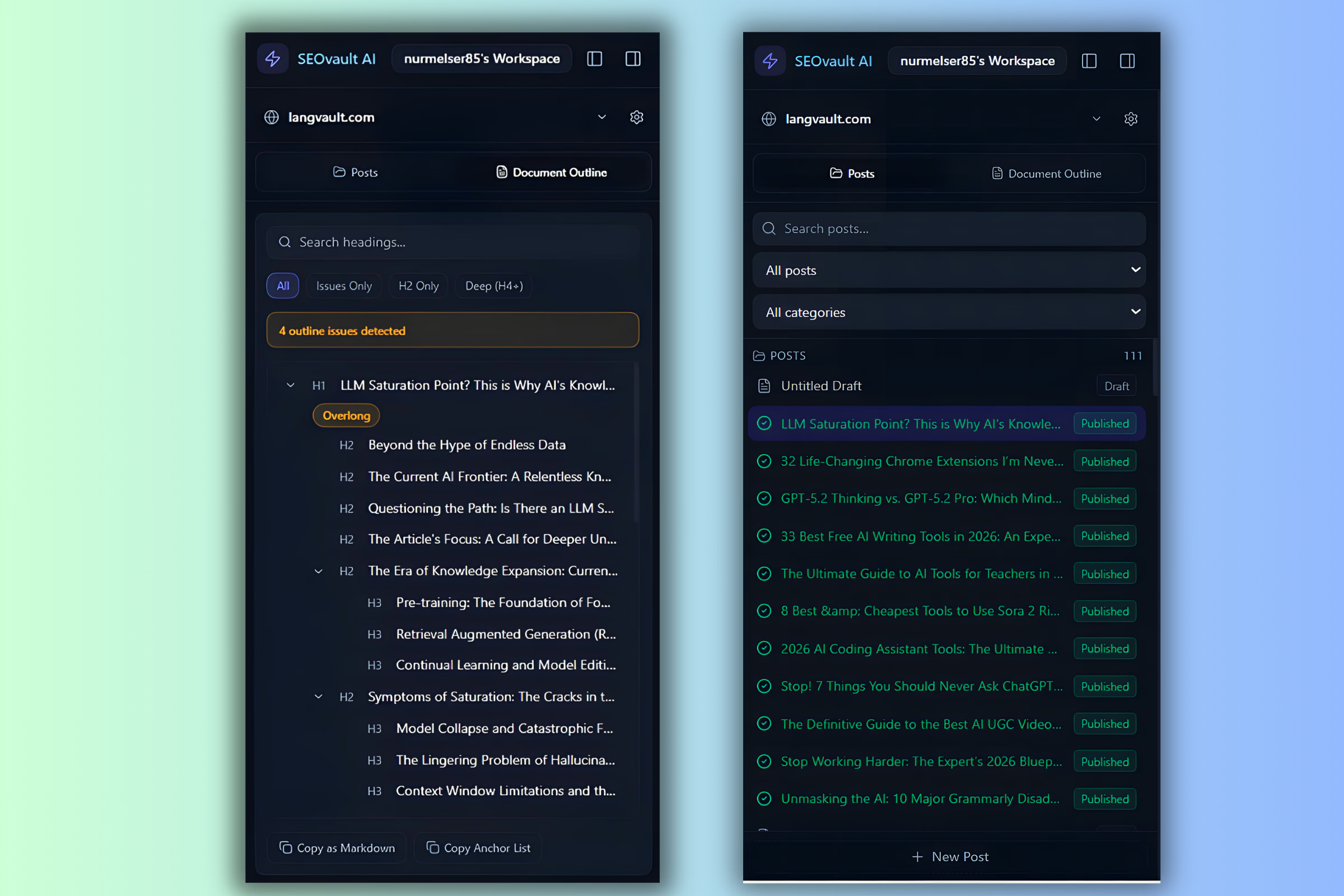
The web app uses a minimal WordPress connector plugin — not a heavy SEO plugin — solely for secure API communication and publishing sync. It adds almost no overhead to your WordPress site and exists only to let the web app talk to WordPress safely.
Start free with 50 credits. No credit card required. Upgrade when your workflow grows.